Keep a small moment.
A whole story or just a few words. Add what happened, or use your phone’s dictation when talking feels easier.

A softer place to land
The bright bits. The messy bits. The not-quite-sure bits. Keep a little of it here, with an otter by your side.
Meet your quiet momentComing to iOS & Android Currently in testing
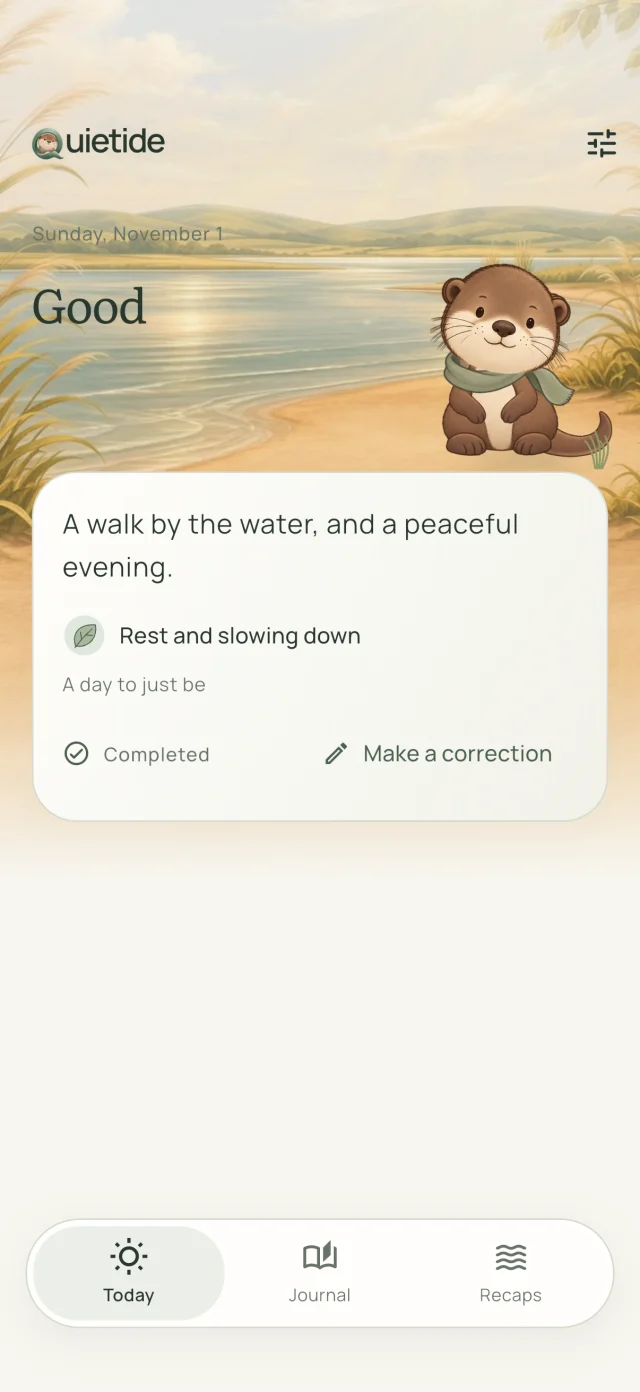
Small check-in. More room to breathe.
A whole story or just a few words. Add what happened, or use your phone’s dictation when talking feels easier.
Somewhere between a rainy blue and a warm orange. Slide to how today feels. That’s enough to save your day.
Your journal makes space for every kind of day. With enough history, saved weekly and monthly recaps help you look back.
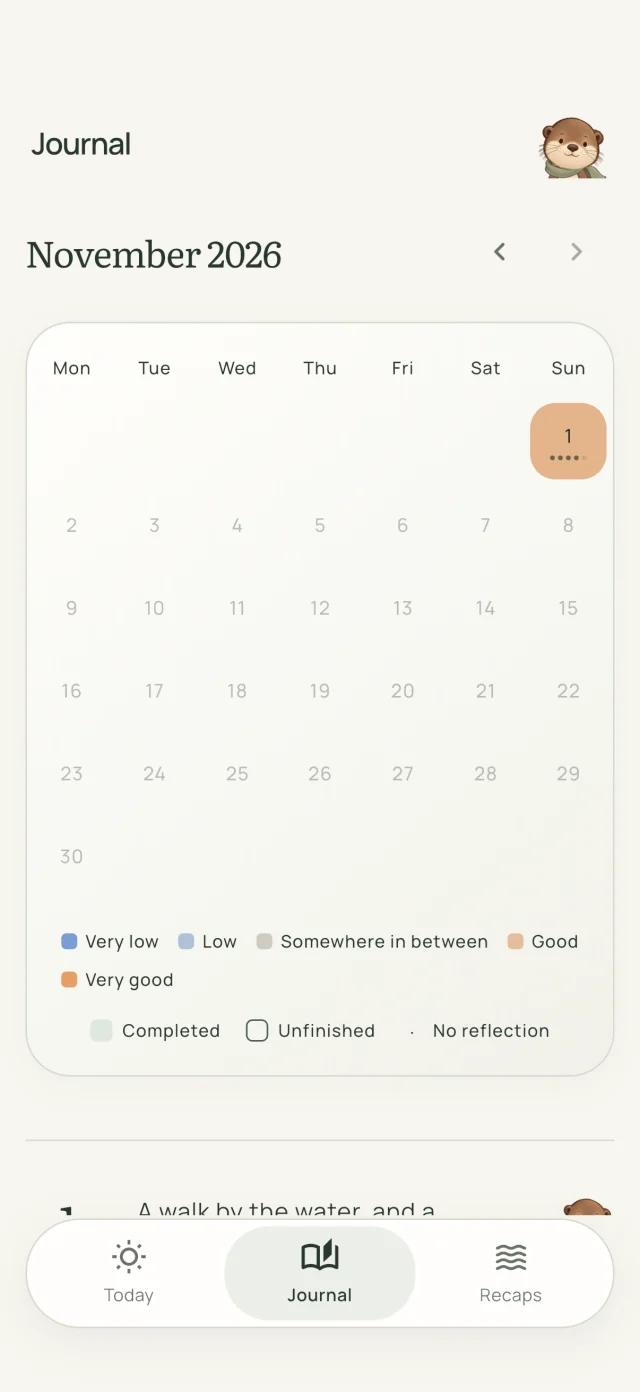
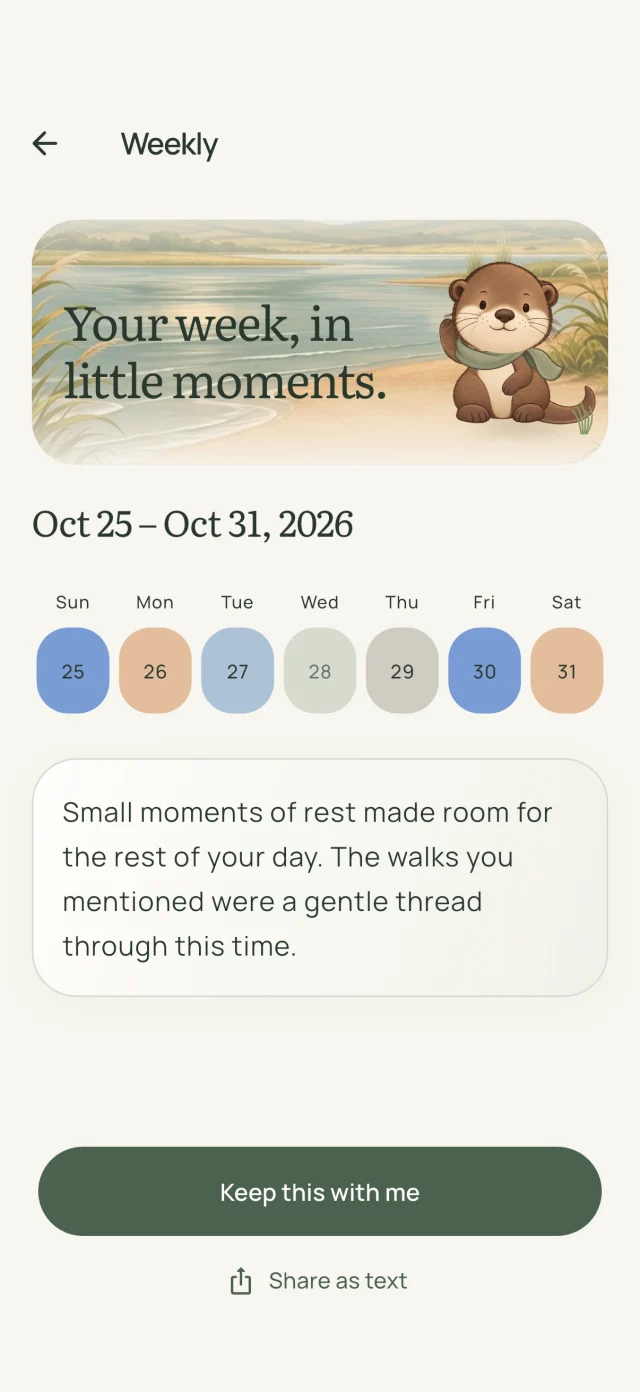
There’s a story in the small things
One day is a moment. A month becomes a landscape. See your moods together, revisit the words you kept, and notice what’s been making room for you.
Recaps offer a gentle perspective from your entries. They’re written with AI, so take what fits and leave what doesn’t.
How your journal is handled
A little company along the way
A small wave hello. A quiet moment together. Your otter is here for the sunny days and the ones that need a softer landing.
A few little answers
No. A mood is enough for a reflection, and you can come back whenever you like. Writing and the extra details are optional.
No. Your entries belong to your account. Quietide stores them on its servers to make your journal available when you sign in. Eligible history is processed by Google Gemini for recaps. Read the privacy details.
Yes. You can start as a guest and connect a sign-in provider later from Settings. Connect one before reinstalling or changing phones so you can return to your journal.
Quietide is being tested ahead of its App Store and Google Play release. Store links will appear here when the app is publicly available.
Until then
We’re making a little place to keep it.
Help for current testers